The Ultimate Guide to Image Conversion and Optimization in 2026
Everything you need to know about modern image formats, blazing-fast web performance, and dominating search engines with perfectly optimized visual assets.
Introduction: The Age of Visual Search and Speed
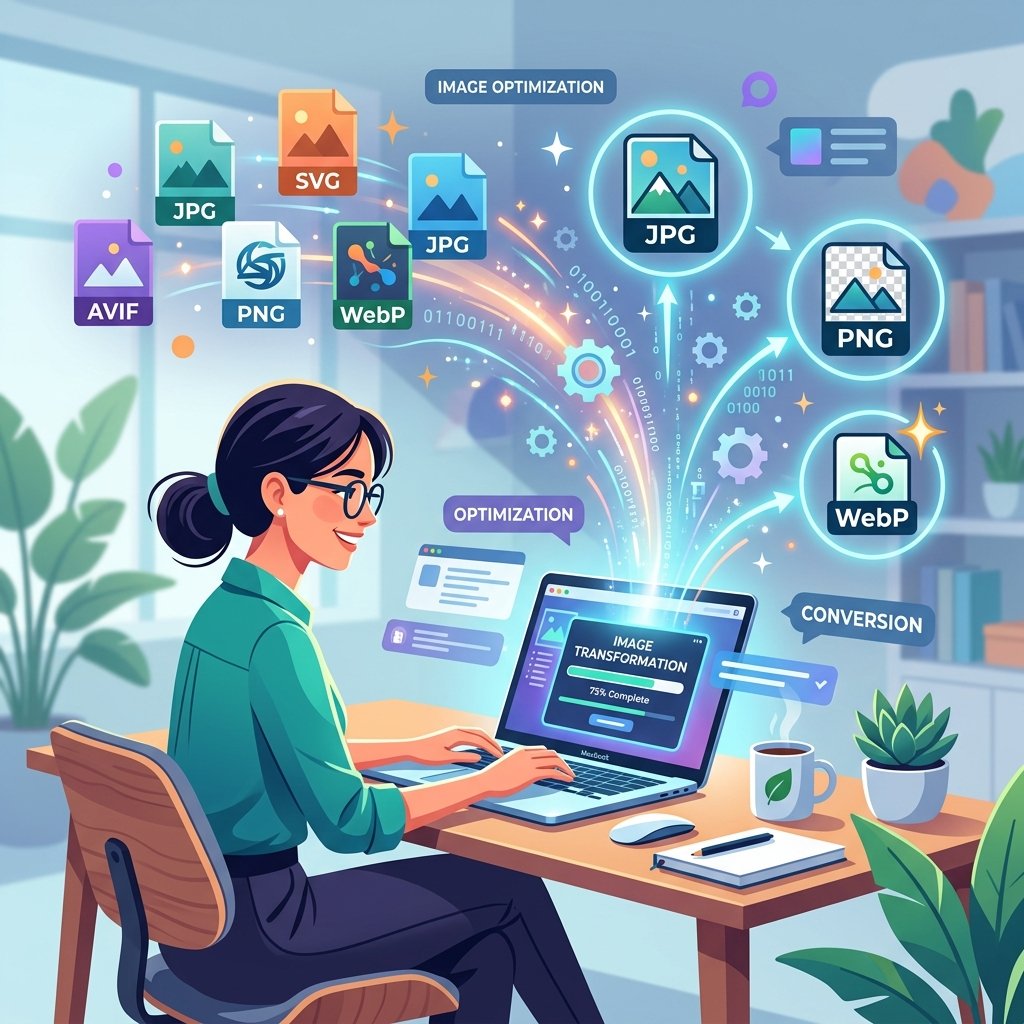
Welcome to 2026, where the digital landscape is faster and more competitive than ever. In the modern era of web development and content creation, beautiful imagery is no longer just a luxury—it's a fundamental requirement. However, throwing massive, high-resolution photographs onto a webpage is a recipe for disaster. Heavy, unoptimized image files are the silent killers of website performance. They drain bandwidth, skyrocket bounce rates, and relentlessly penalize your search engine rankings.
Whether you are an aspiring blogger, an established e-commerce entrepreneur, or a seasoned software engineer, mastering the art of image conversion and optimization is absolutely crucial. When a user lands on your site, they expect instantaneous gratification. If your hero banner takes more than two seconds to load, you have already lost them to a competitor.
In this comprehensive, 1200+ word ultimate guide, we are going to dive deep into the science of digital imagery. We will explore the strengths and weaknesses of various file extensions, discuss the critical importance of next-generation formats, and provide you with an actionable, step-by-step framework to ensure your website's visual assets are perfectly tuned for both maximum speed and flawless visual fidelity. And best of all, we will show you how to do all of this using the best free image converter online.
Understanding the Heavyweights: JPEG vs. PNG
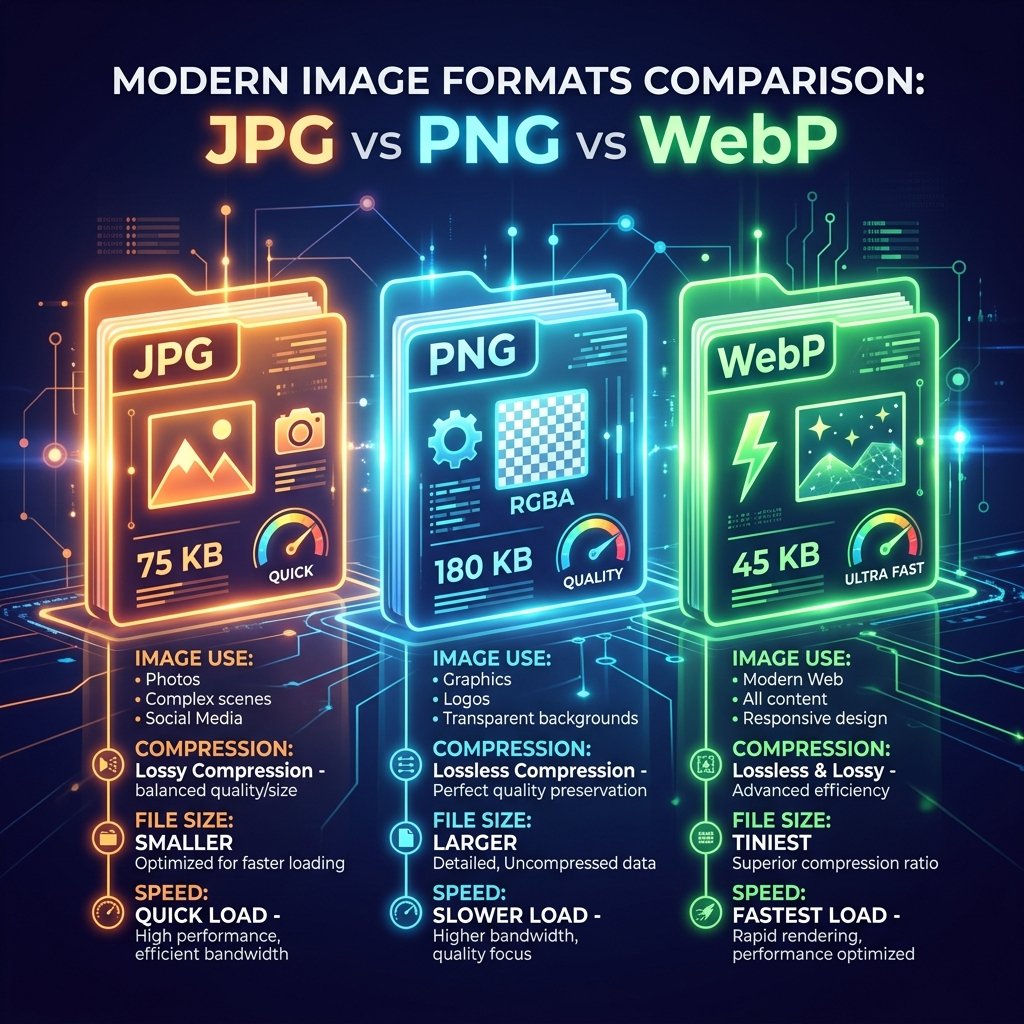
For decades, two formats have dominated the web: JPEG (or JPG) and PNG. While they are both incredibly common, they serve vastly different purposes, and using the wrong one can easily cost you precious megabytes of data.
The JPEG Format: The King of Photography
The Joint Photographic Experts Group created the JPEG format specifically for handling complex, multi-colored digital photography. JPEG utilizes "lossy" compression. This means that every time you save a JPEG, the algorithm mathematically discards a tiny amount of visual data that the human eye struggles to perceive. By removing these imperceptible details, JPEGs achieve incredibly small file sizes. If you are uploading a photograph of a sunset, a crowded city street, or a detailed portrait, JPEG has historically been the go-to format.
However, JPEG has a critical weakness: it does not support transparency. Furthermore, if you compress a JPEG too aggressively, you will start to see ugly, blocky "artifacts" appearing around the edges of objects. Therefore, finding the perfect balance between compression level and visual quality is an art form in itself.
The PNG Format: The Champion of Transparency
The Portable Network Graphics (PNG) format was designed as a lossless alternative. Lossless compression means that absolutely no data is discarded when the file is saved; every single pixel is preserved exactly as it was created. Because of this, PNGs offer crystal-clear, razor-sharp lines, making them the perfect choice for vector illustrations, brand logos, graphs, and text-heavy images.
The defining feature of a PNG is its robust support for the alpha channel—meaning it allows for completely transparent backgrounds. If you need to place a logo over a colored background on your website, a PNG is mandatory. The major downside? Because no data is discarded, PNG files can be exponentially larger than JPEGs. Uploading a massive, multi-megabyte PNG photograph to your blog is one of the fastest ways to destroy your PageSpeed Insights score.
The Next-Generation Revolution: Enter WebP and AVIF
As internet usage shifted dramatically toward mobile devices over the last decade, bandwidth conservation became Google's primary directive. To address the bloated nature of traditional file types, engineers developed entirely new, highly efficient "next-generation" image formats. The undisputed leader of this revolution is WebP.
Why WebP is Mandatory for Modern SEO
Developed by Google, the WebP format is nothing short of a technological marvel. It provides both lossy and lossless compression capabilities, *and* it supports full transparency. It essentially combines the very best features of both JPEG and PNG into a single, highly optimized package.
The statistics speak for themselves: on average, a lossless WebP file is roughly 26% smaller than a comparable PNG. Even more impressively, a lossy WebP image is consistently 25% to 34% smaller than a JPEG of identical quality. By migrating your entire media library to WebP, you can instantly shave megabytes off your page weight, leading to lightning-fast load times.
Because Google heavily factors Core Web Vitals (specifically Largest Contentful Paint, or LCP) into its ranking algorithms, using WebP is no longer optional if you want to rank on the first page. It is a direct, measurable ranking signal. Fortunately, modern browsers natively support WebP, and converting your legacy files is easier than ever using a free online format converter.
A Step-by-Step Guide to Image Optimization
Now that you understand the underlying technology, it's time to put it into practice. Here is the ultimate workflow for preparing an image before you upload it to your CMS or web server.
Step 1: Resize to the Exact Dimensions Needed
The most common mistake webmasters make is uploading images that are dimensionally too large. If the maximum width of your blog's content area is 800 pixels, there is absolutely zero reason to upload a photograph that is 4000 pixels wide. The browser is forced to download the massive file and then use precious CPU resources to shrink it down to fit the screen.
Always crop and resize your images to the exact maximum dimensions they will be displayed at. This simple step alone can reduce file sizes by over 80%.
Step 2: Choose the Correct Format
Follow this simple decision tree:
- Is it a complex photograph? Convert to WebP (Lossy).
- Is it a logo, icon, or graphic requiring transparency? Convert to WebP (Lossless) or PNG.
- Is it a simple, flat-color vector graphic? Use SVG.
Step 3: Compress Without Mercy
Even if you have resized the image and chosen the correct format, it likely still contains unnecessary metadata (like GPS coordinates, camera models, and timestamp data) that bloats the file. Furthermore, the visual data can almost always be compressed further.
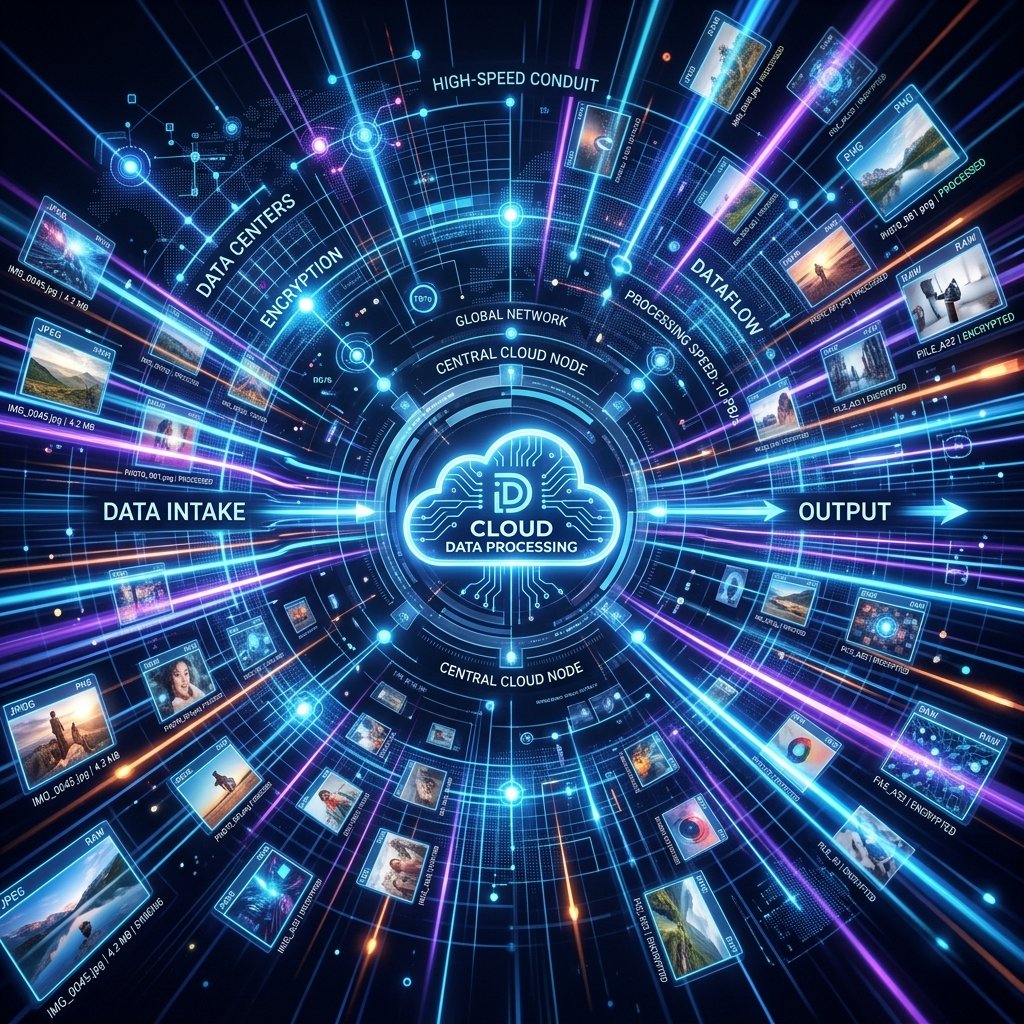
This is where ToolRanker comes in. Utilizing our powerful, cloud-based bulk image processor, you can drag and drop dozens of images simultaneously. Our advanced algorithms strip out the hidden bloat and aggressively compress the image data while utilizing advanced perceptual algorithms to ensure the final result looks identical to the original to the naked eye. Our goal is always the same: maximum quality, minimum file size.
Step 4: Master the Alt Text
Finally, once the heavily optimized file is uploaded to your server, you must assign it descriptive Alt Text. Alternative text is an HTML attribute that describes the contents of the image to search engine crawlers and visually impaired users relying on screen readers. Alt text is the primary way Google Images understands what your photo is about.
Write your alt text naturally. Do not simply stuff it with keywords like "free image converter online tool best." Instead, describe the image accurately while weaving your target keyword in seamlessly. For example: "A user converting a high-resolution JPEG into a WebP using a free online image converter."
Conclusion: Speed is Revenue
At the end of the day, image optimization is not just about technical SEO checkboxes; it is about respecting your user's time and providing a frictionless digital experience. In e-commerce, Amazon notoriously discovered that every 100 milliseconds of latency cost them 1% in sales. Speed directly correlates to revenue, engagement, and trust.
By making it a strict habit to resize, reformat, and aggressively compress every single visual asset using a secure, reliable tool like ToolRanker, you are investing in the long-term success and scalability of your digital presence. Stop letting bloated JPEGs slow you down. Embrace the speed of the modern web, upgrade your formats, and watch your organic traffic soar.
Ready to Supercharge Your Website?
Don't let giant, unoptimized files destroy your SEO rankings and user experience. Use our lightning-fast, 100% free cloud servers to batch-convert your media today.
Start Converting Now — It's Free!